A mobile app is not a website with a smaller screen — it needs different navigation patterns, offline handling, push notifications, and platform-specific gestures that feel native. Getting these decisions right at the start saves months of expensive rewrites. This guide cuts through the noise.
Native vs cross-platform — the honest answer
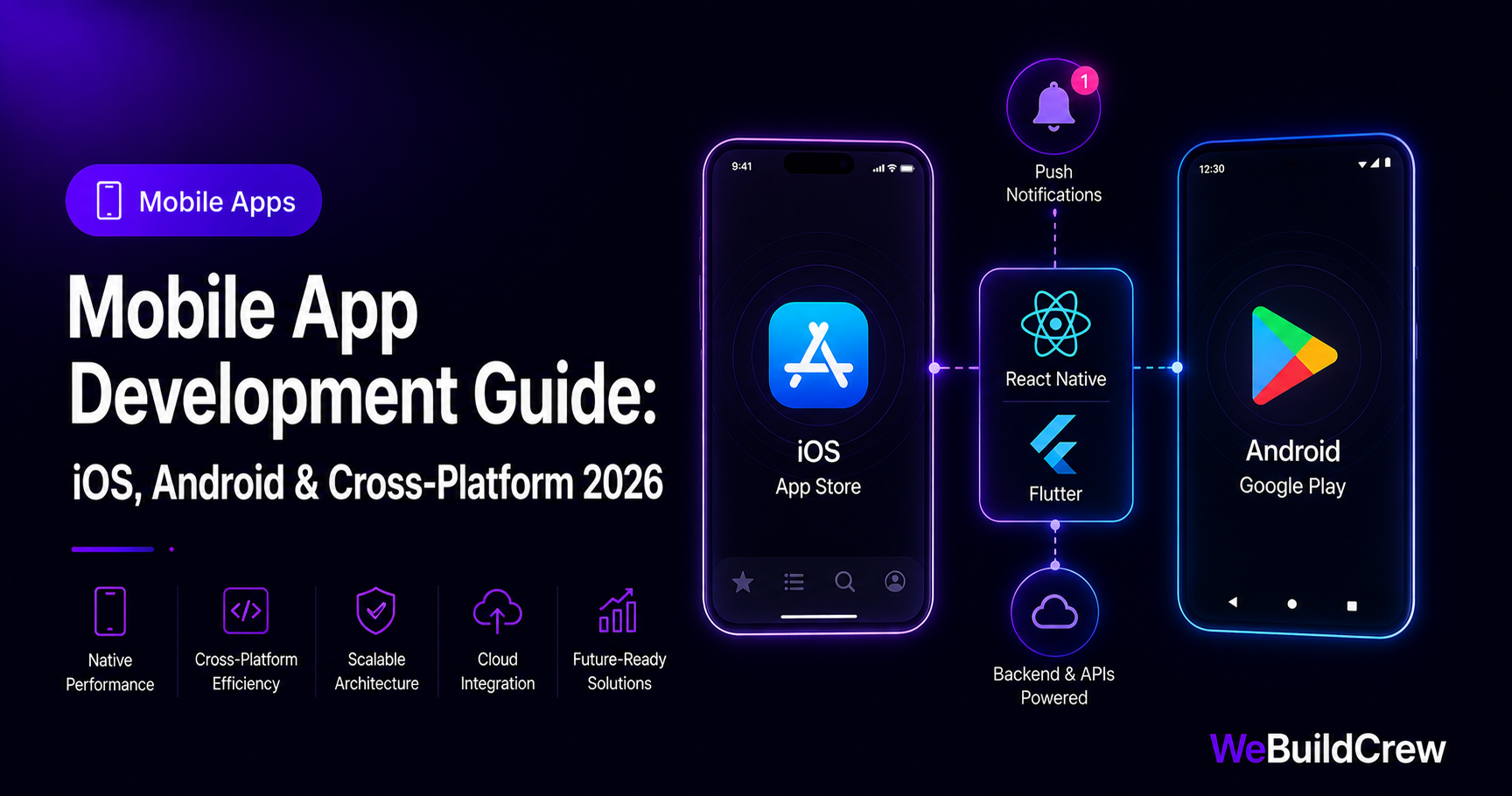
For 90% of apps, React Native or Flutter delivers native-quality UX from a single codebase at roughly half the cost of building two native apps. The exceptions: apps that push hardware limits (AR, advanced camera, real-time audio processing) — those warrant native Swift/Kotlin.
The cross-platform stack we use
React Native
Framework
TypeScript
Language
Firebase
Push & analytics
Stripe
In-app payments
Push notifications — the retention multiplier
Apps with well-timed push notifications retain 3× more users at 30 days than those without. The key is relevance: a fitness app should remind you before your scheduled workout, not at 3am. We integrate Firebase Cloud Messaging (FCM) for Android and APNs for iOS, with a unified backend API that handles both.
export async function sendPush(token: string, title: string, body: string) { await fetch("https://fcm.googleapis.com/fcm/send", { method: "POST", headers: { Authorization: `key=${process.env.FCM_SERVER_KEY}`, "Content-Type": "application/json", }, body: JSON.stringify({ to: token, notification: { title, body } }), });}In-app payments & subscriptions
Apple and Google each take 15–30% of in-app purchases made through their billing systems. For subscriptions inside the app, this is mandatory. For physical goods, services or SaaS billed outside the app, you can use Stripe directly and keep 100% (minus Stripe's 2.9%).
App Store & Play Store submission
App Store review averages 1–3 days; Play Store is typically 24 hours. Rejections usually come from: missing privacy policy, incomplete metadata, test credentials not provided, or UI elements that look non-native. We prepare the full submission package including screenshots, app descriptions and privacy manifests.
Need this built? Explore our Mobile App Development service.
View service →Written by Zahid Ghotia · Published 9 June 2026 · 9 min read