Most SaaS products don't fail because the code was bad — they fail because the wrong thing got built, billing was an afterthought, or the architecture buckled under the first 100 paying users. This guide walks through how we take a SaaS from a rough idea to a live, revenue-ready product, with the exact decisions that matter at each stage.
1. Validate before you build
The cheapest code is the code you never write. Before a single line, we pin down who the customer is, the one painful job they're hiring your product to do, and what they currently pay (in money or time) to do it badly.
2. Scope the MVP around one core loop
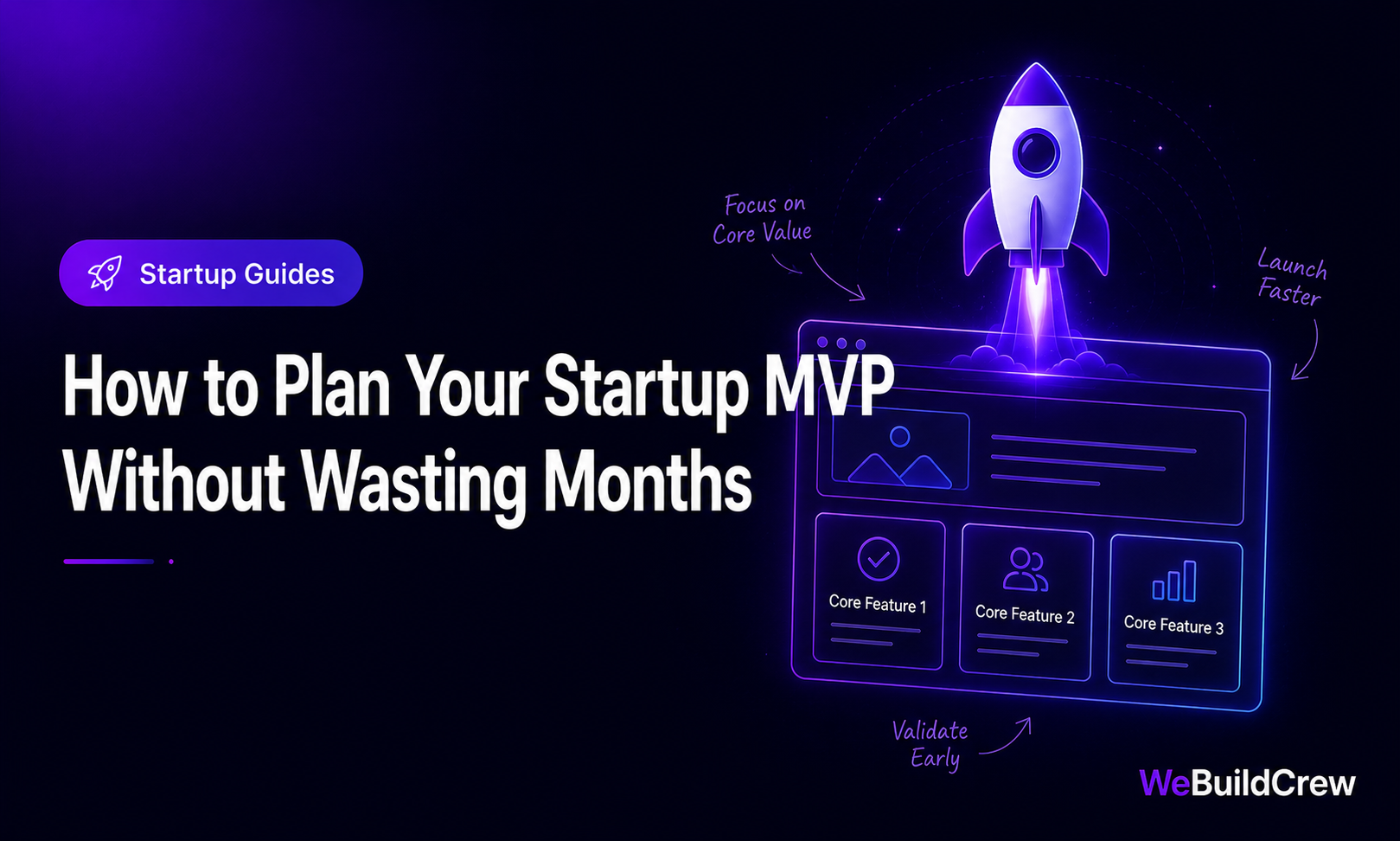
An MVP isn't a smaller version of everything — it's the smallest complete loop that a user can pay for. For most SaaS that's: sign up → do the core action → see the result → come back tomorrow.
- ✓Auth & accounts (individual + team)
- ✓The one core feature, done well
- ✓Billing & plans (so you can charge on day one)
- ✓A basic dashboard that proves value
- ✓Transactional email (verify, reset, receipts)
3. Choose an architecture that scales calmly
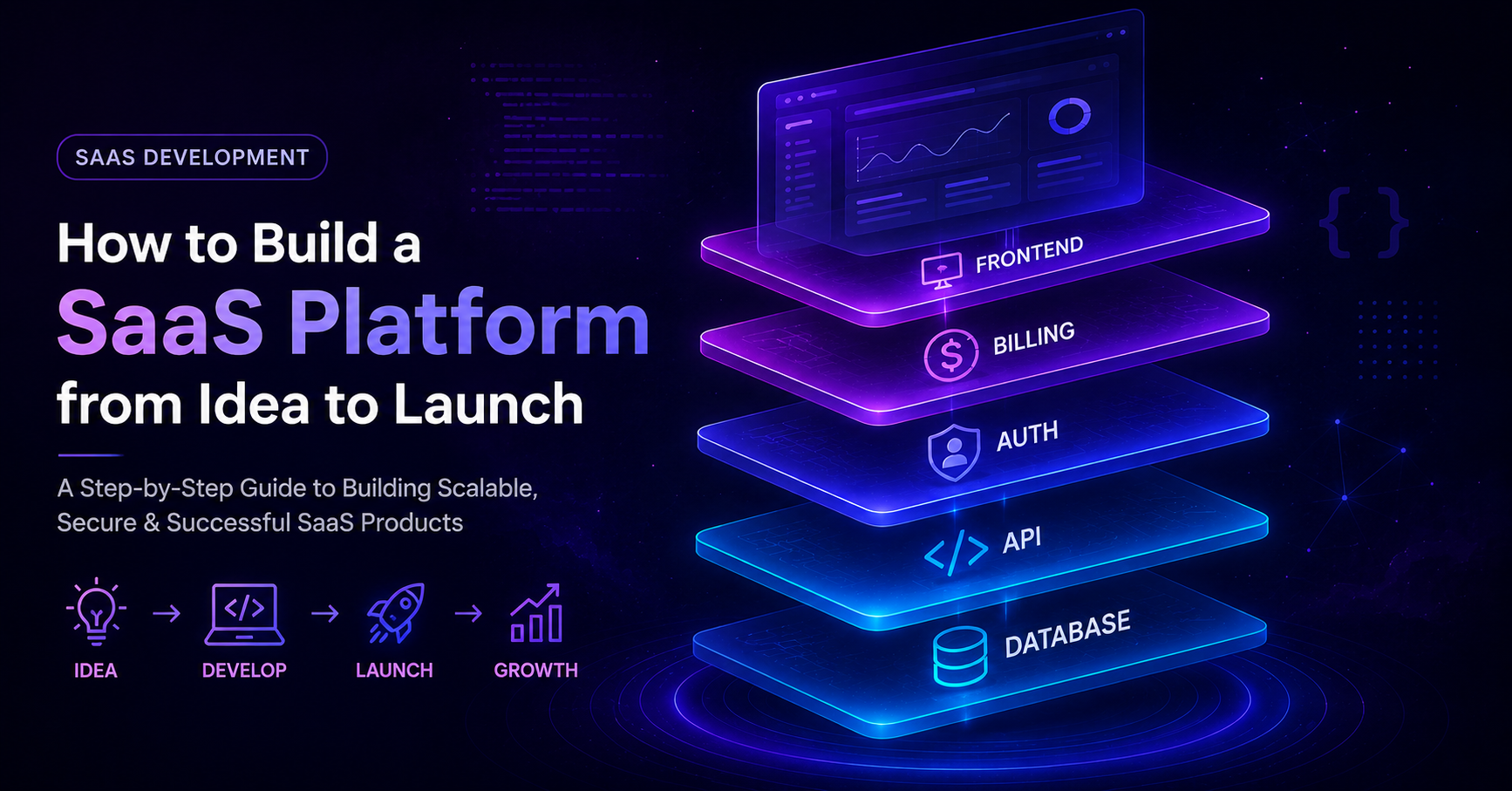
We default to a Next.js App Router frontend + API routes (or a dedicated Node service), PostgreSQL via Prisma, and a managed host. It's boring, well-documented, and scales from your first user to your ten-thousandth without a rewrite.
Next.js
App Router + RSC
PostgreSQL
Prisma ORM
Stripe
Billing & webhooks
Edge/CDN
Global, cached
Multi-tenancy from day one
Even a single-customer demo should carry a tenant/organisation id on every record. Retrofitting multi-tenancy later is one of the most expensive migrations you can do.
model Organization { id String @id @default(cuid()) name String members Membership[] projects Project[] createdAt DateTime @default(now())} model Membership { id String @id @default(cuid()) role Role @default(MEMBER) user User @relation(fields: [userId], references: [id]) userId String org Organization @relation(fields: [orgId], references: [id]) orgId String @@unique([userId, orgId])} enum Role { OWNER ADMIN MEMBER }4. Authentication & access control
Auth is where SaaS products quietly leak data. Every request must answer two questions: who is this, and are they allowed to touch this organisation's data? We enforce both in a single middleware layer so no route can forget.
import { auth } from "@/lib/auth"; export async function requireMember(orgId: string) { const session = await auth(); if (!session) throw new Response("Unauthorized", { status: 401 }); const membership = await db.membership.findUnique({ where: { userId_orgId: { userId: session.user.id, orgId } }, }); if (!membership) throw new Response("Forbidden", { status: 403 }); return { user: session.user, role: membership.role };}5. Billing that you can actually trust
Charging money is a feature, not a footnote. We integrate Stripe Checkout for subscriptions and rely on webhooks — not the redirect — as the source of truth for what a customer is entitled to.
export async function POST(req: Request) { const sig = req.headers.get("stripe-signature")!; const event = stripe.webhooks.constructEvent( await req.text(), sig, process.env.STRIPE_WEBHOOK_SECRET! ); if (event.type === "checkout.session.completed") { const s = event.data.object as Stripe.Checkout.Session; await db.organization.update({ where: { id: s.metadata!.orgId }, data: { plan: s.metadata!.plan, status: "active" }, }); } return Response.json({ received: true });}6. How we build it — our delivery workflow
- 1
Discovery & scope
Free call, fixed feature list, and a milestone plan in writing.
- 2
Design & data model
Wireframes plus the schema — the two things hardest to change later.
- 3
Core loop first
Auth, the main feature, and billing — the path that earns money.
- 4
Polish & integrations
Dashboard, emails, analytics and third-party APIs.
- 5
Launch & monitor
Deploy, watch metrics and errors, iterate on real usage.
Why this approach works
- Estimated timeline
- MVP in 4–8 weeks
- Best for
- Founders, agencies, B2B teams
- Stack
- Next.js · PostgreSQL · Stripe
- Related service
- SaaS Development
Need this built? Explore our SaaS Development service.
View service →Written by Zahid Ghotia · Published 28 May 2026 · 12 min read