Every modern app eventually needs something live: a notification badge, a chat message, a presence indicator, a progress bar. The wrong choice here creates scaling headaches. This guide is a practical map to the three main approaches and when each one is right.
WebSockets vs SSE vs polling
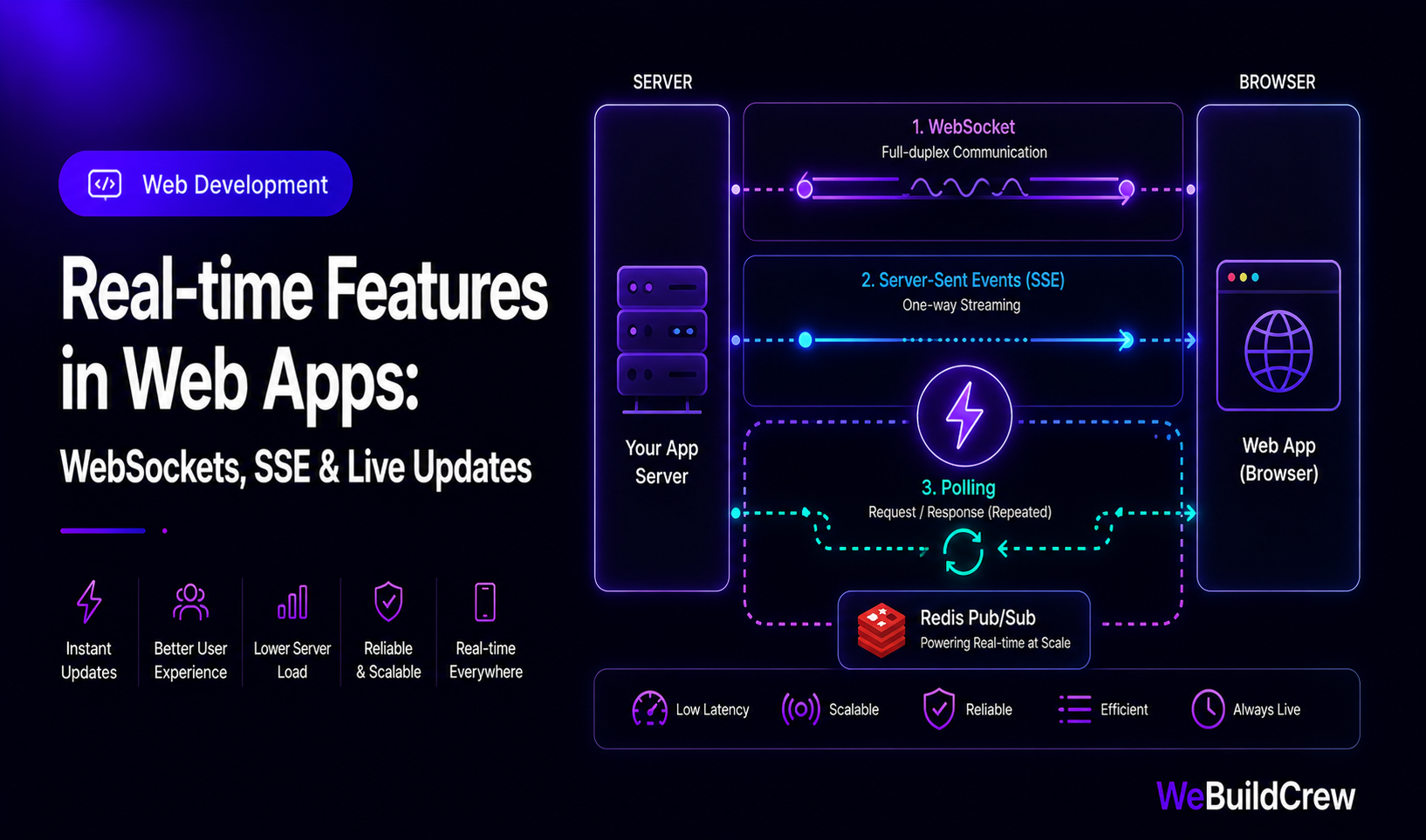
Three tools, three tradeoffs:
- ✓WebSockets: bidirectional, both sides send/receive — right for chat, multiplayer, collaborative editors.
- ✓SSE (Server-Sent Events): server pushes, client reads — right for notifications, live dashboards, progress bars.
- ✓Polling: client asks repeatedly — right for simple cases where real-time is nice-to-have, not critical.
SSE in Next.js App Router
export async function GET(req: Request) { const encoder = new TextEncoder(); const stream = new ReadableStream({ async start(controller) { const send = (data: object) => controller.enqueue(encoder.encode(`data: ${JSON.stringify(data)}\n\n`)); // Send current state immediately send({ type: "init", unread: await getUnreadCount(req) }); // Poll for changes (replace with pub/sub in production) const interval = setInterval(async () => { const count = await getUnreadCount(req); send({ type: "update", unread: count }); }, 5000); req.signal.addEventListener("abort", () => { clearInterval(interval); controller.close(); }); }, }); return new Response(stream, { headers: { "Content-Type": "text/event-stream", "Cache-Control": "no-cache", Connection: "keep-alive" }, });}WebSockets for chat
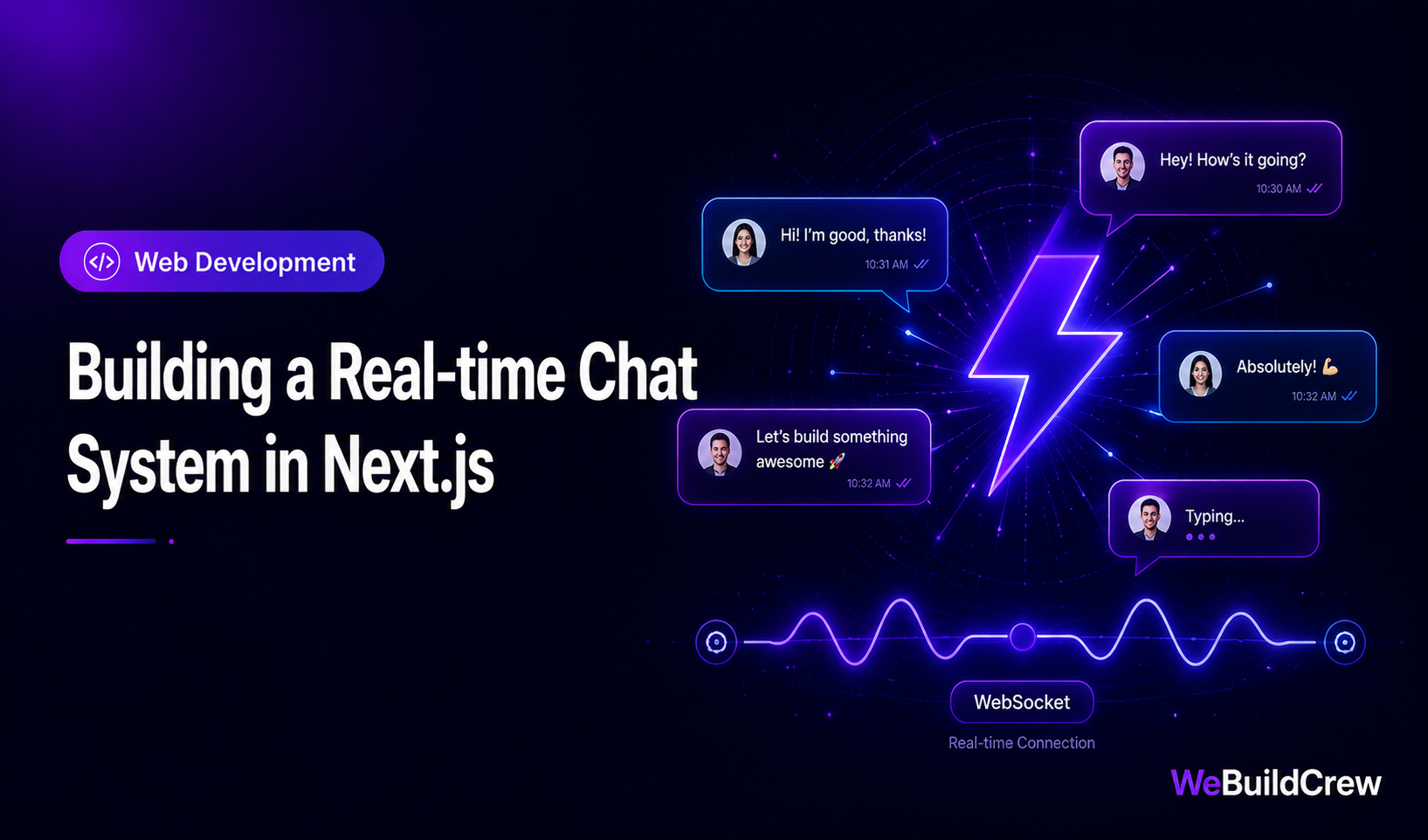
For chat or collaborative features, Socket.IO (or raw ws) with a Redis Pub/Sub adapter is the production pattern. Every server instance subscribes to a shared Redis channel — so a message sent to server A is broadcast to clients on server B.
Presence indicators
Presence (the green dot showing who's online) uses Redis with short-lived keys: a client sends a heartbeat every 30 seconds, the server writes `user:{id}:online` with a 60-second TTL. A presence API returns all keys matching the pattern.
SSE
Server push
WS
Bidirectional
Redis
Pub/sub scale
< 50ms
Event latency
Need this built? Explore our SaaS Development service.
View service →Written by Zahid Ghotia · Published 18 June 2026 · 7 min read