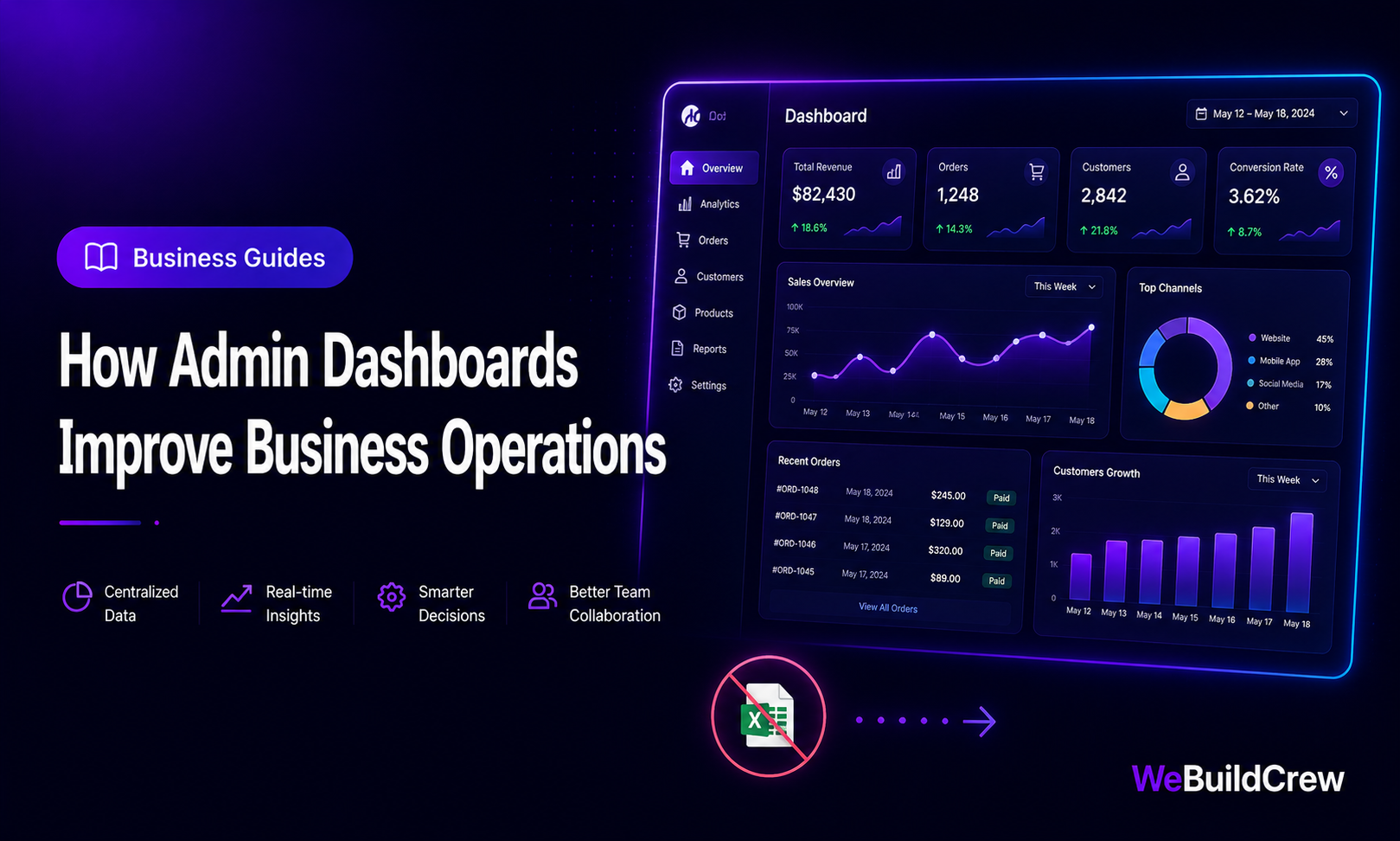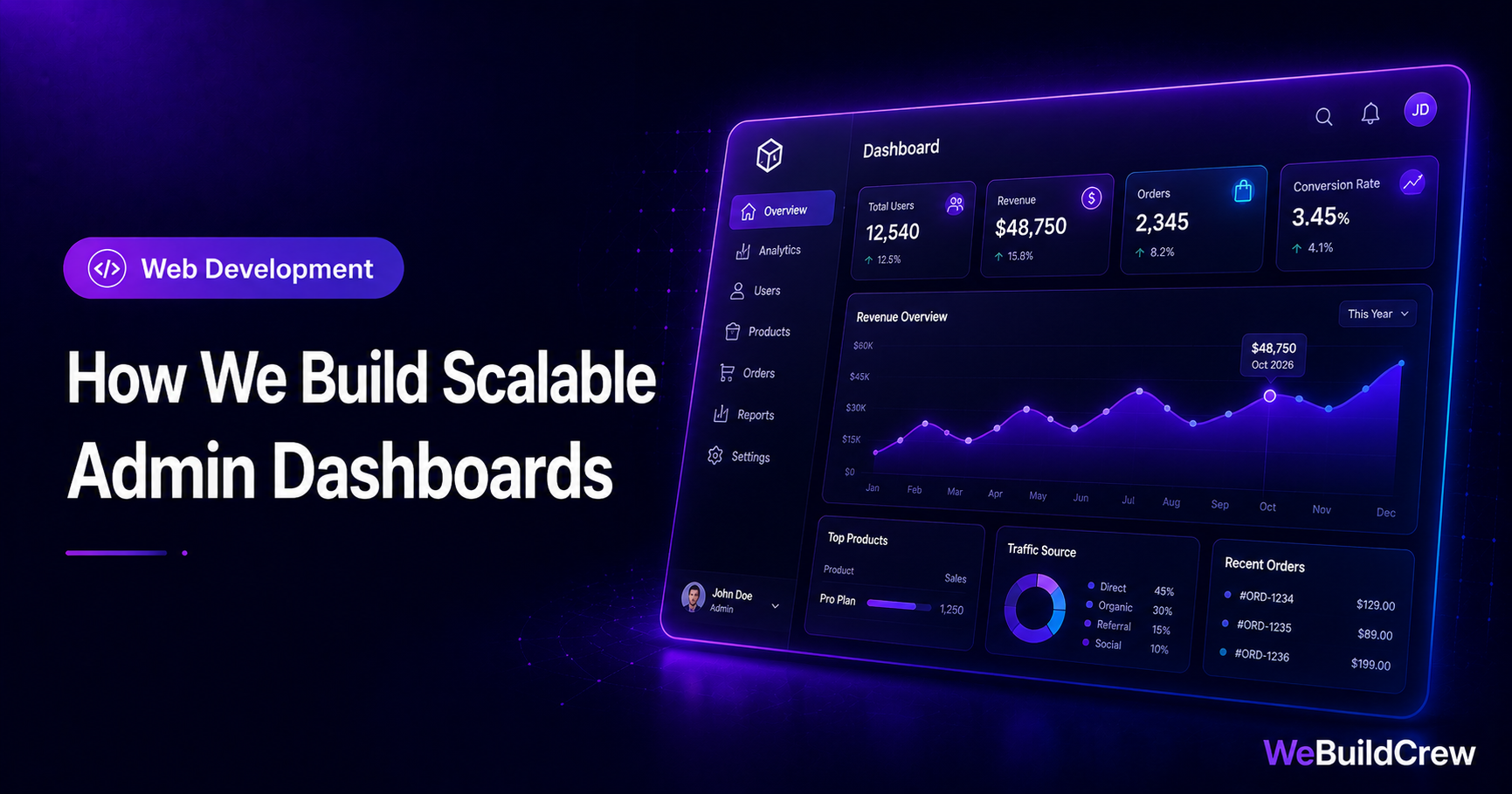
Almost every product grows an admin dashboard — for the team, for customers, or both. They're deceptively hard: permissions, lots of forms, lots of tables, and a tendency to become an unmaintainable mess. Here's how we keep dashboards fast, secure and pleasant to extend.
1. Lock down access first
A dashboard is a door to your data. Before any feature, we put authentication and role checks in one place so every protected route is guarded by default.
import { NextResponse } from "next/server";import { auth } from "@/lib/auth"; export async function middleware(req) { const session = await auth(); if (!session || session.user.role !== "ADMIN") { return NextResponse.redirect(new URL("/login", req.url)); } return NextResponse.next();} export const config = { matcher: ["/admin/:path*"] };2. Build reusable, composable components
Dashboards are 80% repeated patterns: stat cards, tables, forms, modals. We build them once, well, and reuse them everywhere — so a new screen is an afternoon, not a week.
type Props = { label: string; value: string; delta?: number }; export function StatCard({ label, value, delta }: Props) { return ( <div className="rounded-2xl border border-white/10 bg-white/5 p-5"> <p className="text-sm text-muted">{label}</p> <p className="mt-1 text-2xl font-bold">{value}</p> {delta !== undefined && ( <p className={delta >= 0 ? "text-emerald-400" : "text-red-400"}> {delta >= 0 ? "▲" : "▼"} {Math.abs(delta)}% </p> )} </div> );}3. Validate every form, once
Dashboards are full of forms. We validate with a shared schema (Zod) so the same rules protect the client and the server — no drift, no bad data.
import { z } from "zod"; export const productSchema = z.object({ title: z.string().min(2, "Title is too short"), price: z.number().int().positive("Price must be positive"), status: z.enum(["draft", "active", "archived"]),}); export type ProductInput = z.infer<typeof productSchema>;4. Keep it fast as data grows
- ✓Server-side pagination & filtering (never load 10k rows)
- ✓Indexed queries on the columns you filter/sort by
- ✓Cache expensive aggregates; refresh in the background
- ✓Optimistic UI for snappy edits
- Estimated timeline
- 3–8 weeks
- Best for
- Internal tools, SaaS admin, ops
- Related service
- Dashboards & Admin Panels
Need this built? Explore our Dashboards & Admin Panels service.
View service →Written by WeBuildCrew Team · Published 20 February 2026 · 9 min read